Back to Knowledge Base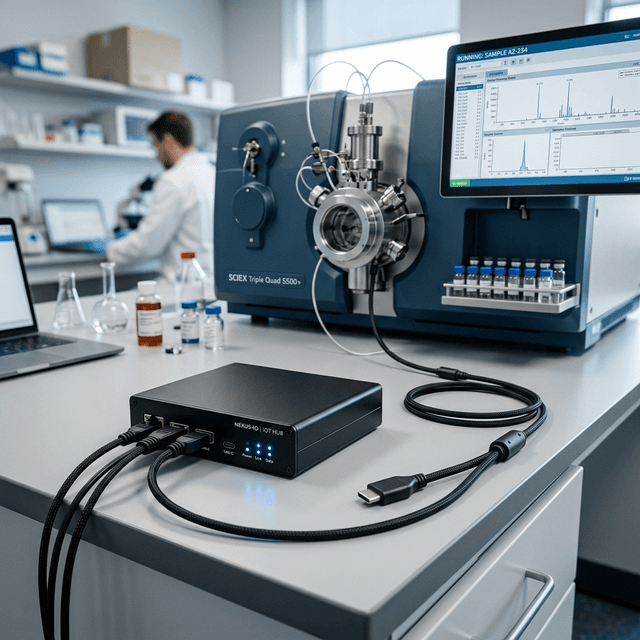
Setting up VECTOR Hubs
Deploying Raspberry Pi 5-based VECTOR hubs to act as local data aggregators in your lab.
The VECTOR device is the bridge between your physical laboratory equipment and the cloud. By deploying these hubs, you can seamlessly ingest mass spectrometry data, balance readings, and telemetry securely over your local network.
Hardware Anatomy
Core Processing
Powered by a Raspberry Pi 5, running our custom Interlock OS image. It handles local decryption, queuing, and edge analytics.
Edge Connectivity
Connects to lab equipment via USB-Serial, RS-232, Ethernet, or Bluetooth LE. Telemetry from smaller ESP32 nodes is aggregated via WiFi MQTT.
Provisioning a New Hub
- Navigate to Settings > Device Registry.
- Click Register Device and note the unique Provisioning Key.
- Flash a MicroSD card with the latest
.img.xzInterlock OS release. - Boot the VECTOR hub with a monitor attached. The boot sequence will display an IP address.
- Access the local management page (e.g.,
http://192.168.1.50:8080) to enter the Provisioning Key.